[ Tutorial ]
How to Blink Built-in LED of Orange Pi One

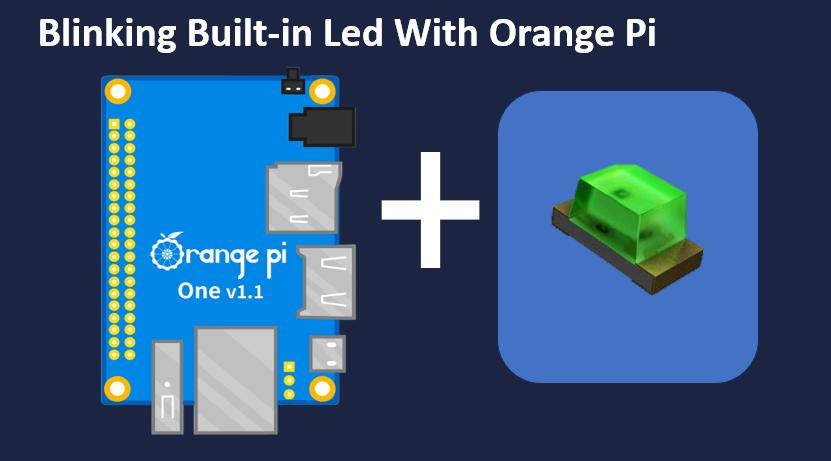
Introduction
Have you ever been in a situation where your project needs visual indicator in order to know what is happening while the code executes? For instance, you want to flash a LED when certain condition has occurred, for that you will need a LED, resistor and jumper wires that add cost and unnecessary complexity to your project when all you want is to flash a LED for 10 seconds when it has been powered up. Adding an external circuitry would be an over kill for that short amount of time every reboot. For this purpose, the answer is already on the board itself in the form of built-in LED. It is cost-effective, built-in solution that required minimal additional components.
Creating a Python File
To create a file in a Linux environment, you can employ the 'touch' command as demonstrated below. After entering the command, press the 'Enter' key to execute it..
touch Blink.py
Once created go ahead and open the file using an text editor like nano or vim and copy the code below and save.
import os
from time import sleep
for i in range(20):
os.system( "echo '1' | sudo tee /sys/class/leds/orangepi:red:status/brightness "
)
sleep(.5)
os.system("echo '0' | sudo tee /sys/class/leds/orangepi:red:status/brightness "
)
sleep(.5)
How Does the Code Works?
Fisrt off lets go ahead and break down what this command does:
echo '1': This part of the command simply echoes the value '1' to standard output.
echo '1' | sudo tee /sys/class/leds/orangepi:red:status/brightness
"|" : The pipe symbol (|) is used to pass the output of the echo command as input to the next command.
echo '1' | sudo tee /sys/class/leds/orangepi:red:status/brightness
sudo tee /sys/class/leds/orangepi:red:status/brightness: This is where the magic happens. The tee command, preceded by sudo (to run with superuser privileges), is used to write the value received from echo to the file /sys/class/leds/orangepi:red:status/brightness.
Now that we can control the led using the commands. We now need to automate this to run this command when for example reboot has been occured and that is where our python file comes in. in the first 2 lines we import all we needed systen to run the command and sleep to have an delay between on and off for 20 times.
Conclussion
Controlling hardware elements like LEDs on Linux-based systems can be straightforward with the right tools. In this case, the tee command proves its versatility by allowing us to write to a sysfs file and control an LED's brightness. Whether you're working on embedded systems, IoT projects, or simply exploring the capabilities of your Orange Pi, knowing how to use tee in combination with sysfs can be a handy skill in your toolkit.